 The Nerdy Tech Blog
How to set up a Valheim dedicated server using Docker and Docker Compose
Mon 23 March 2026I enjoy playing Valheim from while to while. It offers a very nice and relaxed PvE experience when playing together with a couple of friends. For this game it really makes sense to run your own server as you can control the world you play in and you have that game open 24/7 to everyone who wants to join playing.
Docker Image
The guys from Iron Gate Studios actually did a very good job in providing the community with a Valheim dedicated server guide. And they even provide a Docker setup in their Steam distribution. So you could just follow this and you are set.
However, I found that setup they are suggesting a bit labor-intensive to maintain in the long run. I did not feel like tinkering around with the server setup after every software update: building a new Docker image, adapting that new image and restart the server using this new image. This would also mean to have a longer server downtime.
Another problem with that approach from Iron Gate Studios is, that the Valheim server is run with root user in that image. I also wanted to improve that from the security perspective.
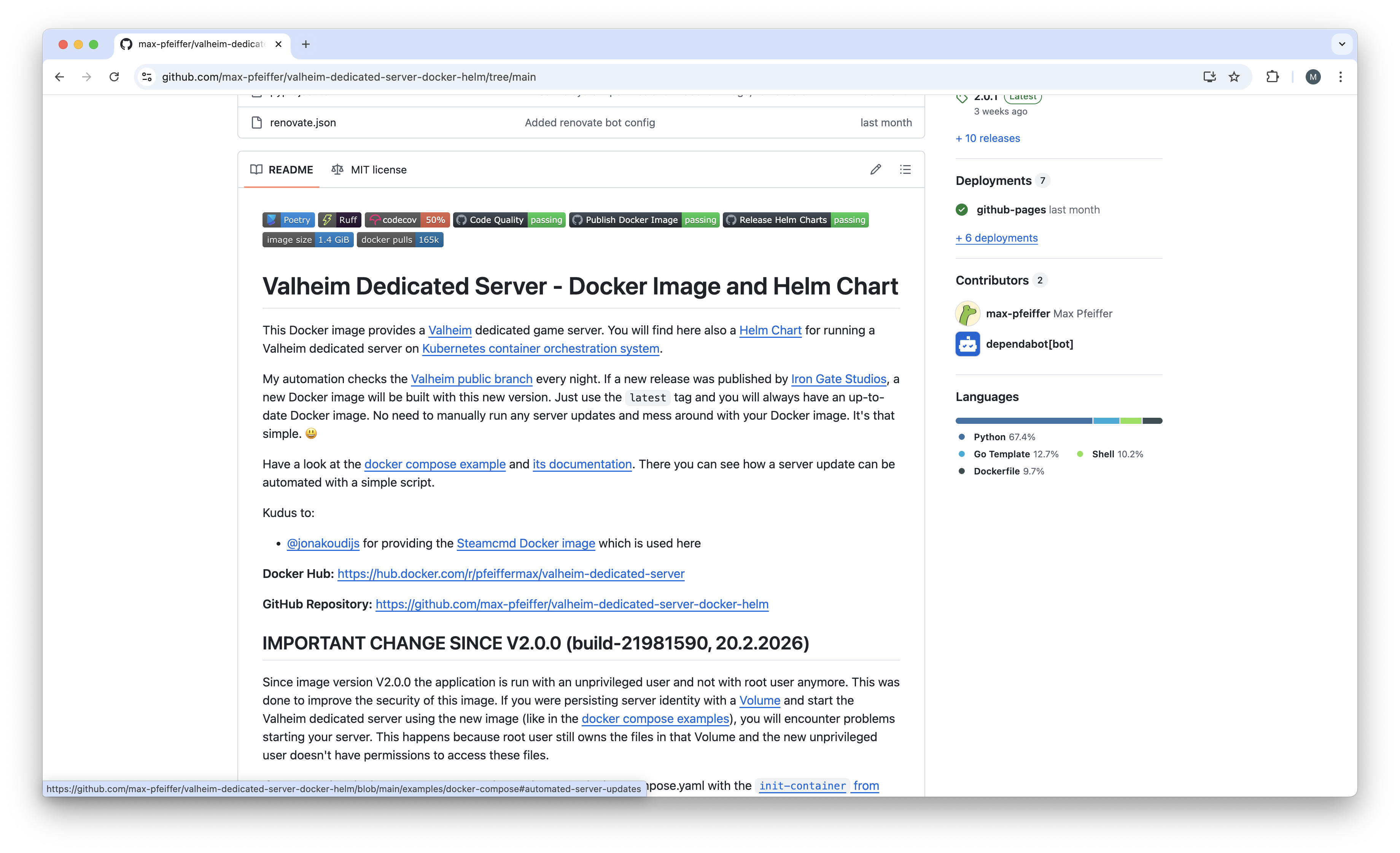
So I choose to build my own image on GitHub
and automate that using GitHub actions. That way I am able to check for a
Valheim server update and build an image every day. This makes it possible to use the latest tag of that image as
it is always up-to-date. If you use the latest tag together with pull_policy: always in your docker compose file,
you can easily automate that server update using a shell script and a cron job.
Automated Docker Image Builds
I built an automation which checks the Valheim public branch every night. If a new release was published by Kraken Express, a new Docker image will be built with this new version. Just use the latest tag and you will always have an up-to-date Docker image. No need to manually run any server updates and mess around with your Docker image. It's that simple. 😃
Docker Volume
Another detail that you need to be aware of is that the Valheim dedicated server is a
stateful application by design as it stores player and world data in the
file system. You can control the file system location with -savedir CLI option.
When you run an application in a Docker container the files in the Docker container are only persisted inside the container
as long as the container exists. So if you run a new Docker container with a new Valheim server version, all files
in your -savedir location are gone. This is not what we want because we would lose all world and player data.
With a Docker Volume you can overcome that issue. This enables you to persist the Valheim server data when
you switch to new Docker images with new Valheim server versions. You need to mount that Docker Volume
on your -savedir location. This way you make sure your data is still there. That data lives until you delete
the Docker Volume.
Docker Compose
The Docker way to pull all this together is Docker Compose. With a docker compose file you can define your Valheim server service and the Docker Volume. When you run the Valheim server as non-root user you also need to adjust the file system permission in that Docker Volume so the unprivileged user can access these files. This you need to do with an init container.
Installation
I put all this together in my valheim-dedicated-server-docker-helm project free for use for anyone. With this you will have your Valheim server up and running in a couple of minutes. It consists of:
- secure Docker image for Valheim dedicated server on Docker Hub
- Docker compose file
- script for automating server update
Prerequisites:
- Docker Engine or Docker Desktop installed
- git installed
If you are not familiar with git and/or don't want to install it, you can download the docker compose file manually from GitHub or just cut and paste its contents.
For the installing and running the Valheim server you need clone the git repository and start the Valheim server using docker compose:
git clone https://github.com/max-pfeiffer/valheim-dedicated-server-docker-helm.git
cd valheim-dedicated-server-docker-helm/examples/docker-compose
docker compose up -d
Stop the server:
docker compose down
If you want to show the logs, option -f follows the logs:
docker compose logs -f
That's basically all you need to do for running your own Valheim server. If you want to change the Valheim server settings
just change/add options in the command section of the valheim-server service in the
docker compose file.
Automate Server Updates
On a Linux system you can automate the server update easily with a script. If there is an update for the Valheim server, a new image will be built around 01:15 at night (time is not guaranteed by GitHub). For me it was safe to run the update job with cron at 06:00 in the morning:
0 6 * * * /srv/valheim/valheim-server-update.sh