 The Nerdy Tech Blog
Kraken Express published an official Windrose Dedicated Server Docker Image
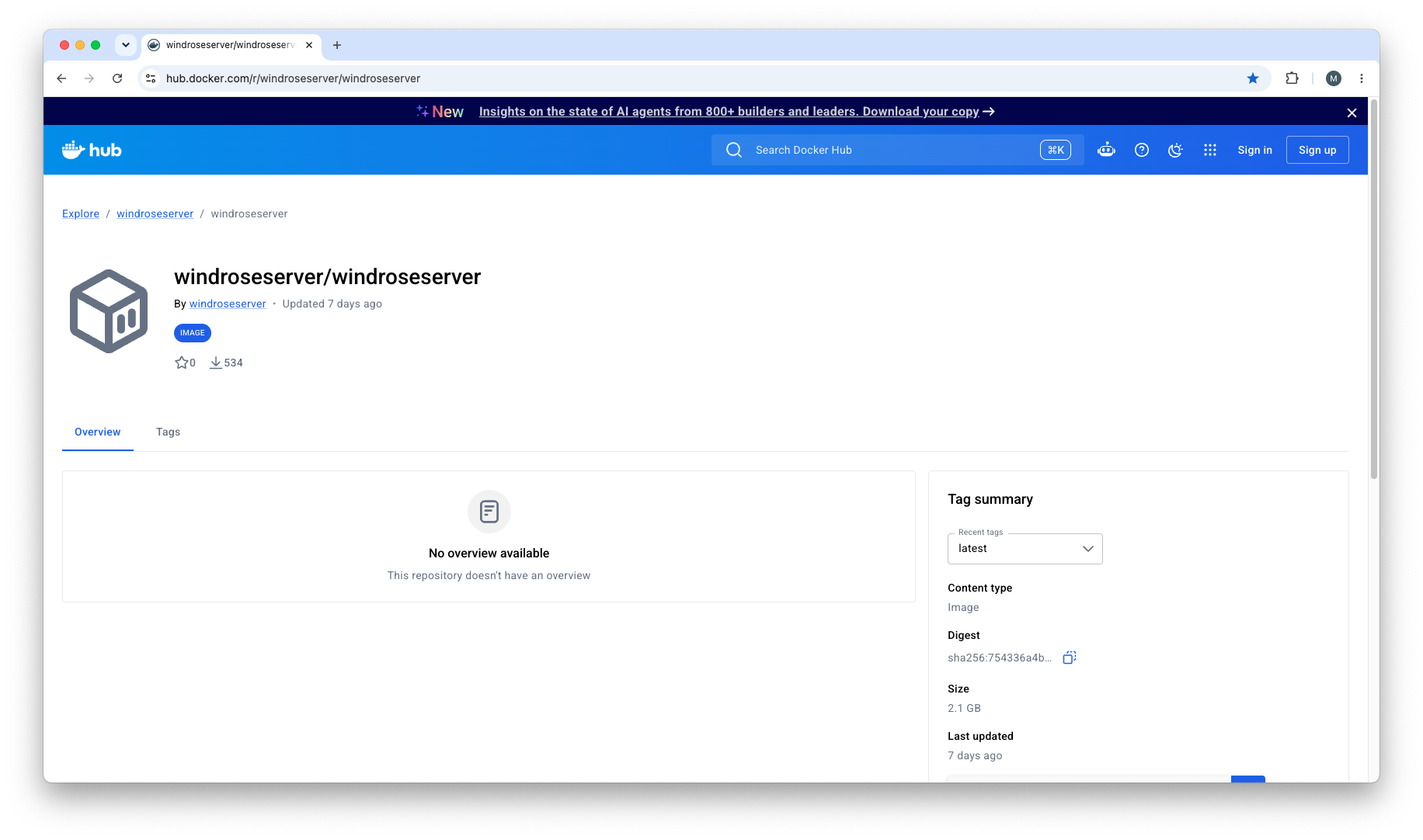
Wed 01 July 2026Kraken Express published their official Windrose Docker image on Docker Hub in May. Also, they updated their dedicated server guide with some instructions. I did a deep analysis of this image to learn how to operate this new Linux native Windrose server build. The official image from Kraken Express does not support configuration through environment variables and the persistence of the server configuration is rather awkward. This makes it incompatible to run on Kubernetes container orchestration system.
So I used the native Linux binaries and built my own Windrose dedicated server image with it. It supports configuration with environment variables. My project also contains a Helm chart for running the Windrose server on Kubernetes.
Analysis Overview
It's a thin Ubuntu 22.04 wrapper around a stock Unreal Engine 5 Linux dedicated-server build (project codename R5, ~330 MB stripped x86-64 binary, amd64 only). There's no entrypoint logic, no env-var handling, no supervisor. The container just runs UE's standard launcher script as user ue_user, and all configuration happens through JSON files that you're expected to bind-mount.
Reconstructed Dockerfile
From the buildkit layer history, the Dockerfile is essentially:
FROM ubuntu:22.04
EXPOSE 7777/tcp 7777/udp
ARG SERVER_FILES=server_files
RUN apt-get update && apt-get install -y ca-certificates && update-ca-certificates
RUN apt-get update && apt-get install -y libcurl4
RUN useradd --create-home --home /home/ue_user --shell /bin/bash --uid 1000 ue_user
RUN adduser ue_user sudo
RUN mkdir -p /home/ue_user/app/R5/Saved && chown -R ue_user:ue_user /home/ue_user/app/R5/Saved
USER ue_user
COPY server_files /home/ue_user/app        # 5.17 GB game payload
WORKDIR /home/ue_user/app/
RUN chmod a+x ./WindroseServer.sh ./R5/Plugins/3rdParty/Sentry/Binaries/Linux/crashpad_handler
VOLUME /home/ue_user/app/R5/Saved
CMD ["/bin/bash", "-c", "./WindroseServer.sh || sleep 15"]
The launch chain
CMD runs ./WindroseServer.sh || sleep 15. The || sleep 15 just keeps the container alive 15 seconds after a crash — presumably to soften restart-loop hammering and give you a window to grab logs. WindroseServer.sh is the standard UE-generated launcher, nothing more:
UE_PROJECT_ROOT=$(dirname "$(echo "$0" | xargs readlink -f)")
chmod +x "$UE_PROJECT_ROOT/R5/Binaries/Linux/WindroseServer-Linux-Shipping"
"$UE_PROJECT_ROOT/R5/Binaries/Linux/WindroseServer-Linux-Shipping" R5 "$@"
So the actual process is WindroseServer-Linux-Shipping R5, running in the foreground as PID 1 under bash, as uid 1000. No arguments are passed by default (the CMD forwards nothing), though you could append UE flags like -log by overriding the command.
Configuration model — files, not env vars
The binary takes no environment variables. Everything comes from two JSON files (I confirmed via strings that the binary parses PersistentServerId, InviteCode, WorldIslandId, MaxPlayerCount, UseDirectConnection, etc. as JSON keys — there's even a "PersistentServerId is empty" error string):
- /home/ue_user/app/R5/ServerDescription.json — server identity and networking. The image ships it as an empty 0-byte file, deliberately, so it exists as a bind-mount target. On first start the server generates it with a random PersistentServerId, InviteCode, and WorldIslandId. It may only be edited while the server is stopped, and the server can rewrite any field at runtime.
- WorldDescription.json — one per world, generated under R5/Saved/SaveProfiles/Default/RocksDB_v2/
/Worlds/ /, holds difficulty preset and world settings. ServerDescription.json's WorldIslandId must match a world's IslandId.
Saves are a RocksDB database under R5/Saved/SaveProfiles/Default/, with zip'd autosave backups in RocksDB_v2_Backups/ marked _Latest (a missing _Latest is treated as a critical error; AutoLoadLatestBackupIfHasBroken controls auto-recovery).
The image bundles its own docs (DedicatedServer.md, SaveWorkflow.md) which prescribe exactly this Docker usage:
docker run --user ue_user -p 7777:7777/tcp -p 7777:7777/udp \
 -v <saves>/Saved:/home/ue_user/app/R5/Saved \
 -v <saves>/ServerDescription.json:/home/ue_user/app/R5/ServerDescription.json \
 windroseserver/windroseserver:latest
With "UseDirectConnection": true and "DirectConnectionServerPort": 7777 required for the port mapping to be meaningful. Otherwise, the server uses ICE/P2P via a "Connection Service" (regions EU/SEA/CIS) and the invite-code flow, and port 7777 is irrelevant.
Notable payload details
Bundled third-party bits: Sentry crashpad_handler (crash reporting), Steamworks 1.57, MsQuic 2.20, ONNX Runtime 1.20 (NNE plugin), and a set of Boost 1.85 libs including libboost_python311. There's also mention of a R5WorldDescriptionUpdater.exe tool in the docs for re-validating hand-edited world files, but only the Windows .exe is referenced. No Linux equivalent ships in the image.
Conclusion
It seems to be an early stage build with quite a way still to go. At least the dedicated Windrose Server runs natively on Linux now. The absence of configuration options via environment variables makes it a no-go for Kubernetes as hosting platform. But it's an image I can build on top of.
What worries me is that the Steam Depot of the Windrose dedicated server
still does not contain any Linux files that we could download with steamcmd. The question is why?
So let's hope Kraken Express provides them at some point. Or at least keeps
that new official Image up-to-date.