 The Nerdy Tech Blog
Switching to Cilium as Container Network Interface (CNI) for my bare metal Kubernetes Clusters
Fri 16 January 2026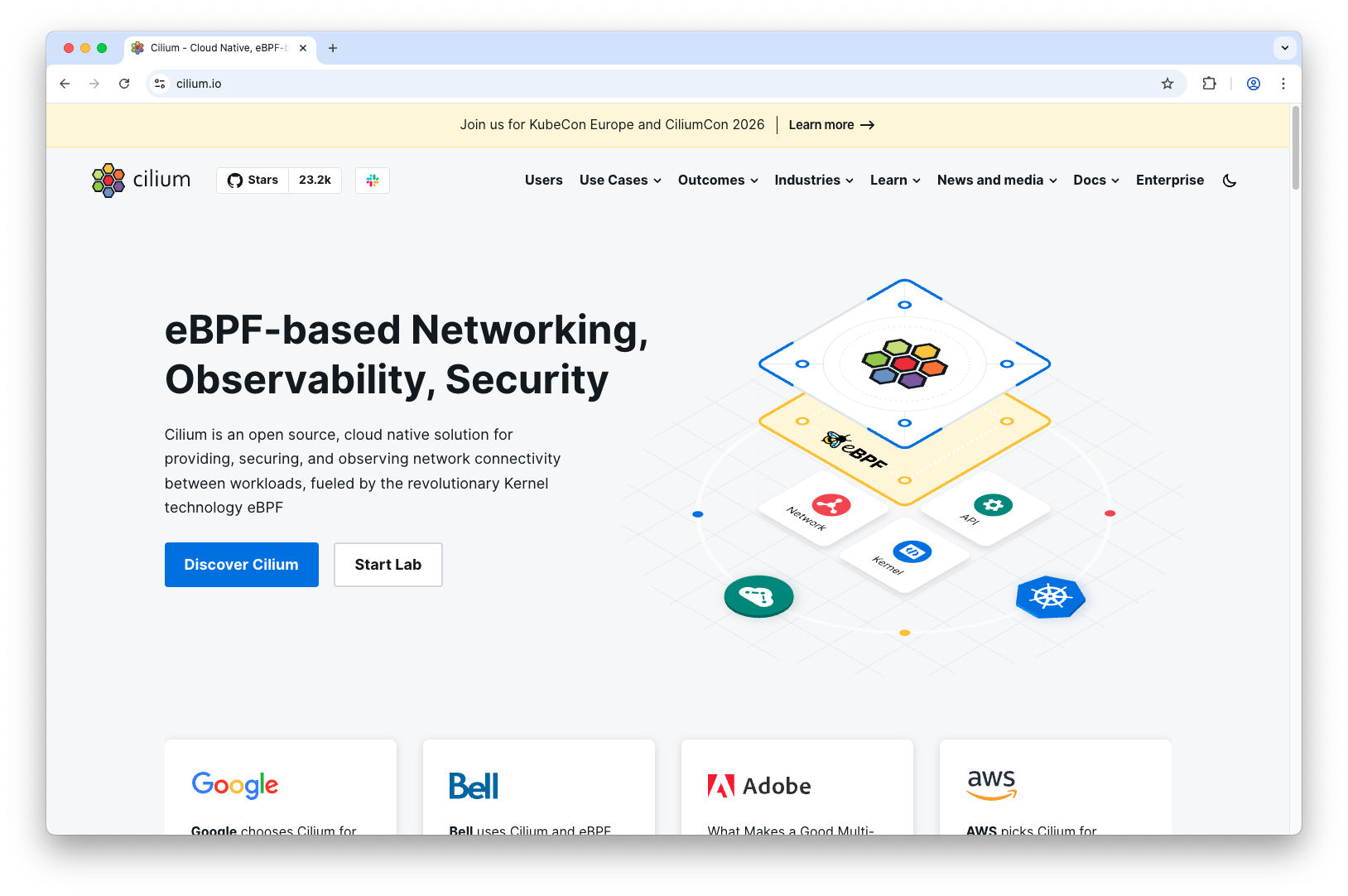
I was looking at Cilium already for quite a while and was digging through its documentation. I spotted a couple of features which are particularly useful for bare metal Kubernetes clusters namely L2 Announcements and Loadbalancer IP Address Management (LB IPAM). Also, it provides an Ingress Controller and support for the new Gateway API. Plus it provides Service Mesh functionality and an Egress Gatway. All these features are implemented very efficiently using the eBPF Linux kernel technology. There is a good video with Thomas Graf (Co-founder of Cilium) explaining this in more detail.
In the past I used MetalLB for providing L2 Loadbalancer and LB IPAM functionalility in my Kubernetes clusters. With switching to Cilium as CNI I can get rid of this dependency. I used nginx ingress controller in all of my clusters. Problem is that nginx ingress controller is discontinued and support will already end in March 2026. Therefore, I had to take actions rather urgently and find an alternative solution for it.
Cilium Installation
I run all my Kubernetes clusters on Talos Linux. For Talos Linux the
process of installing Cilium is very well documented.
You basically install Cilium after the cluster is up and running with a manifest which you add to
your machine configuration. I found it quite convenient to use Helm and the
Cilium Helm chart to generate the manifests with helm template.
The configuration options and features I wanted to have I put in a values.yaml file. See also the
official Cilium documentation for Helm installation.
For my two OpenSource Kubernetes cluster projects I used this approach with OpenTofu. If you are interested in the details and want to look at some configuration examples you can have a look there:
Of course, you can install Cilium directly with Helm after you installed Kubernetes with kubeadm.
I was demonstrating this in my other article about manual Kubernetes installation.
L2 Loadbalancer and LB IPAM Configuration
The L2 Loadbalancer and LB IPAM configuration is very similar to what you need to configure for MetalLB. First you configure a cluster scoped CiliumL2AnnouncementPolicy:
apiVersion: cilium.io/v2alpha1
kind: CiliumL2AnnouncementPolicy
metadata:
  name: default
spec:
  externalIPs: true
  loadBalancerIPs: true
And then a cluster scoped CiliumLoadBalancerIPPool:
apiVersion: cilium.io/v2
kind: CiliumLoadBalancerIPPool
metadata:
  name: default
spec:
  blocks:
    # Configure your IP pool here
    - start: "192.168.10.95"
      stop: "192.168.10.99"
Configuration for assigning the IP addresses for a CiliumLoadBalancerIPPool is very flexible. You can:
- configure service selectors for a CiliumLoadBalancerIPPool
- request a list or a single IP by annotating a Service with
lbipam.cilium.io/ips
Ingress Controller
You can install/configure the ingress controller with the Cilium Helm chart. It can be used by specifying
cilium as ingressClassName when you configure an Ingress object.
With regard to NetworkPolicies you need to be aware that Cilium's ingress controller is set up and run differently than any other ingress controller i.e. nginx. So you need to take that difference in networking into account when you configure NetworkPolicies. There is an example in the Cilium documentation demonstrating the correct configuration of NetworkPolicies for the Cilium ingress controller.
Gateway API
For making use of the new Gateway resources, you need to install the CRDs first. Before you install a certain version of the Gateway API CRDs you want to make sure that your Cilium version supports it. The comparison lists in Gateway API docs are a good information source for checking this.
You need to be aware that currently only GatewayClass, Gateway, HTTPRoute, ReferenceGrant and GRPCRoute are generally available (GA) on the standard channel. TLSRoute is still in the experimental channel. So you cannot do TLS passthrough configurations on the standard channel for applications like ArgoCD or Keycloak where this would be desirable. If you do not want to use the experimental channel (like I do) you still need to use an ingress controller for this. For use cases like this and also in order to ease the transition to Gateway API for my workloads I installed the Cilium ingress controller and Gateway CRDs side by side.
Gateway resources are a great alternative to Ingress objects. I found working with
Gateway and HTTPRoute
much more intuitive than working with Ingress. Especially I like the option to request certain IP addresses for a Gateway with
addresses.
Cilium's Gateway implementation supports the spec.addresses field.
This way you can make use of IP addresses from CiliumLoadBalancerIPPool in a consistent way.
apiVersion: gateway.networking.k8s.io/v1
kind: Gateway
metadata:
  name: public
  namespace: network
spec:
  gatewayClassName: cilium
  addresses:
  - type: IPAddress
    value: 192.168.10.97
  listeners:
  - name: argocd
    protocol: HTTPS
    port: 443
    hostname: "argocd.yourdomain.com"
    tls:
      mode: Terminate
      certificateRefs:
      - kind: Secret
        name: argocd-tls
    allowedRoutes:
        namespaces:
          from: All
Gateway allows fine-grained control of attached HTTPRoutes. In the example above routes from any namespace are allowed but can be restricted to certain namespaces. This makes it possible to control the incoming HTTP traffic at one central point for the whole cluster.
So in practice it makes sense to configure one Gateway for public traffic and one Gateway for internal traffic in your cluster. You would then point your DNS to the assigned IP addresses of the public Gateway for any public domain you need to host. For any other host you would like to resolve in your LAN, you then point to the internal Gateway. That way you can keep your DNS and networking setup rather simple for your bare metal Kubernetes clusters.
I really like the options you have using Gateway API. It's a much better concept than the good old Ingress.
Conclusion
Migrating to Cilium was a very smooth experience overall. Using the Cilium ingress controller I had my workloads up and running in no time. I could then take my time to do the transition to Gateway API. Cilium provides great features which are working flawlessly so far for me. So I encourage everyone to give Cilium a closer look and do a transition as well.