 The Nerdy Tech Blog
Upgrading Kubernetes on Debian 13 Trixie
Sun 30 November 2025In an earlier article I described how to install a Kubernetes
cluster manually with kubeadm. In this article, I will explain how to upgrade that cluster. As an operating system,
I used Debian 13 Trixie.
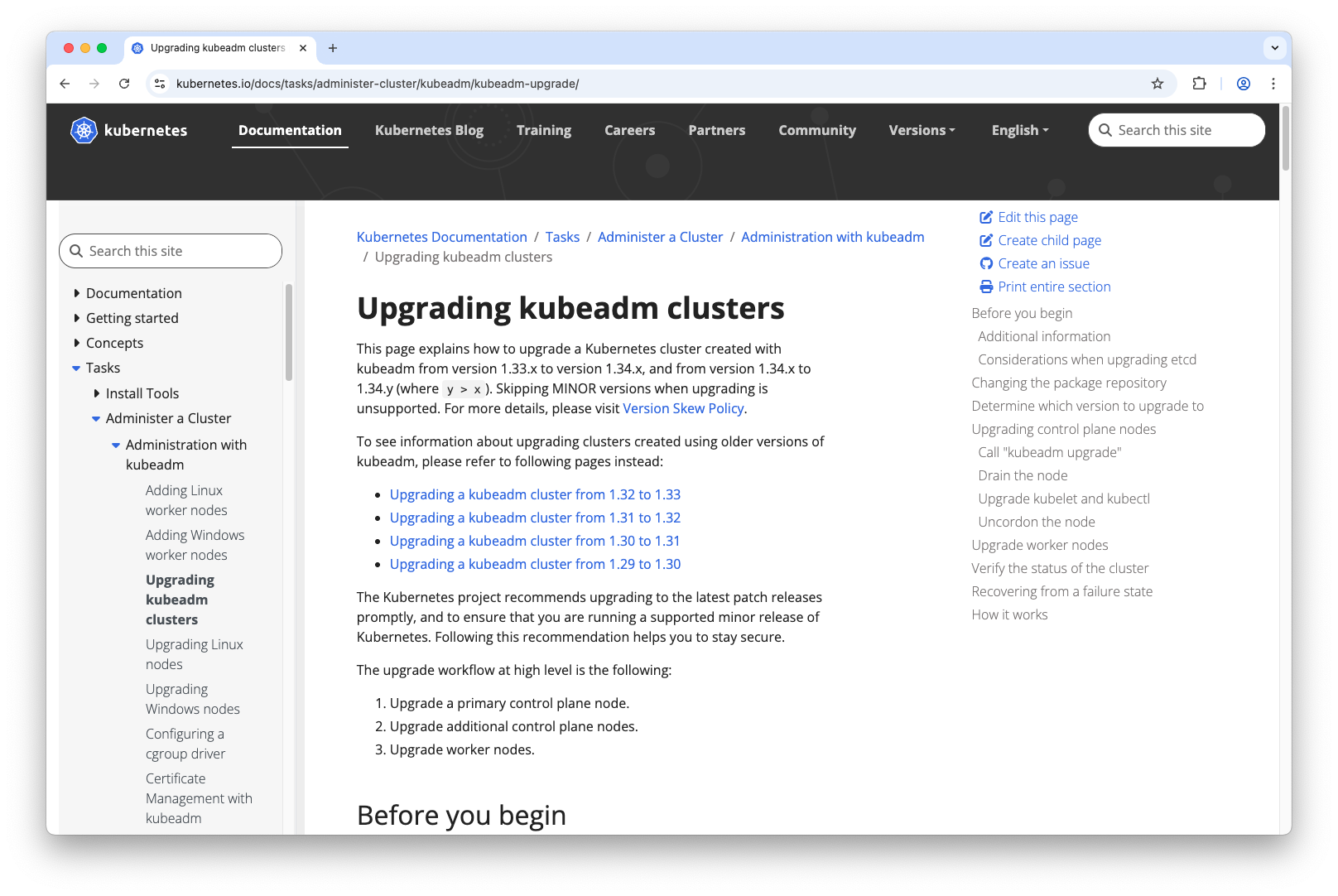
This process is documented in the official Kubernetes documentation.
I added some more details here that might help to do the upgrade on a Debian system.
Picking the right version
First of all, you need to be aware that only upgrades between minor versions are supported. So from my current version v1.33.5 I can only upgrade to v1.34.x. A direct upgrade to v1.35.x would not be supported. So you would need to upgrade to v1.34.x before you could upgrade to v1.35.x.
You need to be aware that each minor version only gets one year of patch support nowadays. So that means that you need to upgrade your cluster at least once a year to the new minor version.
Also, you need to be aware in what order you can upgrade your cluster components on a node. This is defined in detail in
the version skew policy documentation. For instance the
kubelet version must not be newer than the kube-apiserver version, so you need to upgrade the kube-apiserver first.
Update Kubernetes apt repository
As a first step, you need to upgrade your Kubernetes package repository
to the new version that you would like to upgrade to. In our case, this is v1.34.1. Here we use vim to alter the
/etc/apt/sources.list.d/kubernetes.list file and add the new minor version v1.34 and update package sources:
vim /etc/apt/sources.list.d/kubernetes.list
apt update
Then we check what packages are available now:
apt list -a kubeadm
kubeadm/unknown 1.34.1-1.1 amd64 [upgradable from: 1.33.5-1.1]
kubeadm/unknown 1.34.0-1.1 amd64
kubeadm/now 1.33.5-1.1 amd64 [installed,upgradable to: 1.34.1-1.1]

kubeadm/unknown 1.34.1-1.1 arm64
kubeadm/unknown 1.34.0-1.1 arm64

kubeadm/unknown 1.34.1-1.1 ppc64el
kubeadm/unknown 1.34.0-1.1 ppc64el

kubeadm/unknown 1.34.1-1.1 s390x
kubeadm/unknown 1.34.0-1.1 s390x
Update Kubernetes Components on Control Plane
Update kubeadm:
apt-mark unhold kubeadm
apt install -y kubeadm=1.34.1-1.1
apt-mark hold kubeadm
We pin the kubelet version again to prevent accidental upgrades of that package.
Verify the upgrade plan:
kubeadm upgrade plan v1.34.1
If everything looks good, upgrade the control plane:
kubeadm upgrade apply v1.34.1
Drain the control plane node:
kubectl drain debian-controlplane-1 --ignore-daemonsets
Upgrade kubelet and kubectl:
apt-mark unhold kubelet kubectl
apt install -y kubelet=1.34.1-1.1 kubectl=1.34.1-1.1
apt-mark hold kubelet kubectl
Restart kubelet and check the status:
systemctl daemon-reload
systemctl restart kubelet
systemctl status kubelet
Uncordon the control plane node and check node status:
kubectl uncordon debian-controlplane-1
kubectl get nodes
NAME                    STATUS   ROLES           AGE     VERSION
debian-controlplane-1   Ready    control-plane   24h     v1.34.1
debian-worker-1         Ready    <none>          8h      v1.33.5
debian-worker-2         Ready    <none>          6h28m   v1.33.5
Upgrade Kubernetes Components on Worker Nodes
The first two steps are the same also for worker nodes (see above):
- Update the Kubernetes apt repository to v1.34
- Update kubeadm
Then upgrade the node with kubeadm:
kubeadm upgrade node
Then drain the node:
kubectl drain debian-worker-1 --ignore-daemonsets
And update kubelet:
apt-mark unhold kubelet
apt install -y kubelet=1.34.1-1.1
apt-mark hold kubelet
Restart kubelet and check the status:
systemctl daemon-reload
systemctl restart kubelet
systemctl status kubelet
Uncordon the worker node:
kubectl uncordon debian-worker-1
Check on the nodes:
kubectl get nodes
All nodes should be in status ready with the new Kubernetes version.